

Picture a field sales app, a recruiting app or a property management app on Android. Users spend their day jumping between it and four messaging apps, copying phone numbers and pasting replies. The feature request writes itself: show those conversations inside our app. The temptation is to open each platform’s documentation and start coding, until you discover that every channel has its own authentication, its own message format and its own way of delivering events. A unified messaging api exists precisely to collapse that work into one integration, and the benefits it brings to software editors are well documented. What is less documented is how to wire one into a mobile client cleanly. That is the focus here.
Why the phone should never talk to the providers directly
The first architectural rule is simple: the Android app talks to your backend, and only your backend talks to the messaging API. Three reasons make this non-negotiable.
- Secrets. A unified API is authenticated with an API key that can act on every connected account in your workspace. Anything shipped in an APK can be extracted with standard reverse engineering tools, obfuscation included. The key belongs on your server.
- Events. New messages arrive as webhooks, which need a public HTTPS endpoint that is always reachable. A phone in a pocket, on a train, in Doze mode, is not that endpoint.
- Policy. Your backend is where you enforce who can see which conversation, apply rate limits and log access, none of which you can trust a client to do on its own.
So the shape is a small relay service: it holds the API key, exposes your own authenticated endpoints to the app (list chats, fetch messages, send, upload), receives webhooks, and pushes notifications to devices. The app never needs to know whether a thread came from Telegram or Outlook, it just renders a normalized conversation.
Connecting accounts from a mobile screen
Each user has to link their own accounts, and this is the step where a unified API saves the most code. Instead of implementing OAuth for Gmail and Microsoft, a QR flow for WhatsApp, a Devices login for Telegram and a separate flow for LinkedIn, your backend requests a hosted authentication link and the app opens it in a Custom Tab. The user completes the provider’s own login, the session is created on behalf of that authenticated user, and a callback tells your backend the account is connected.
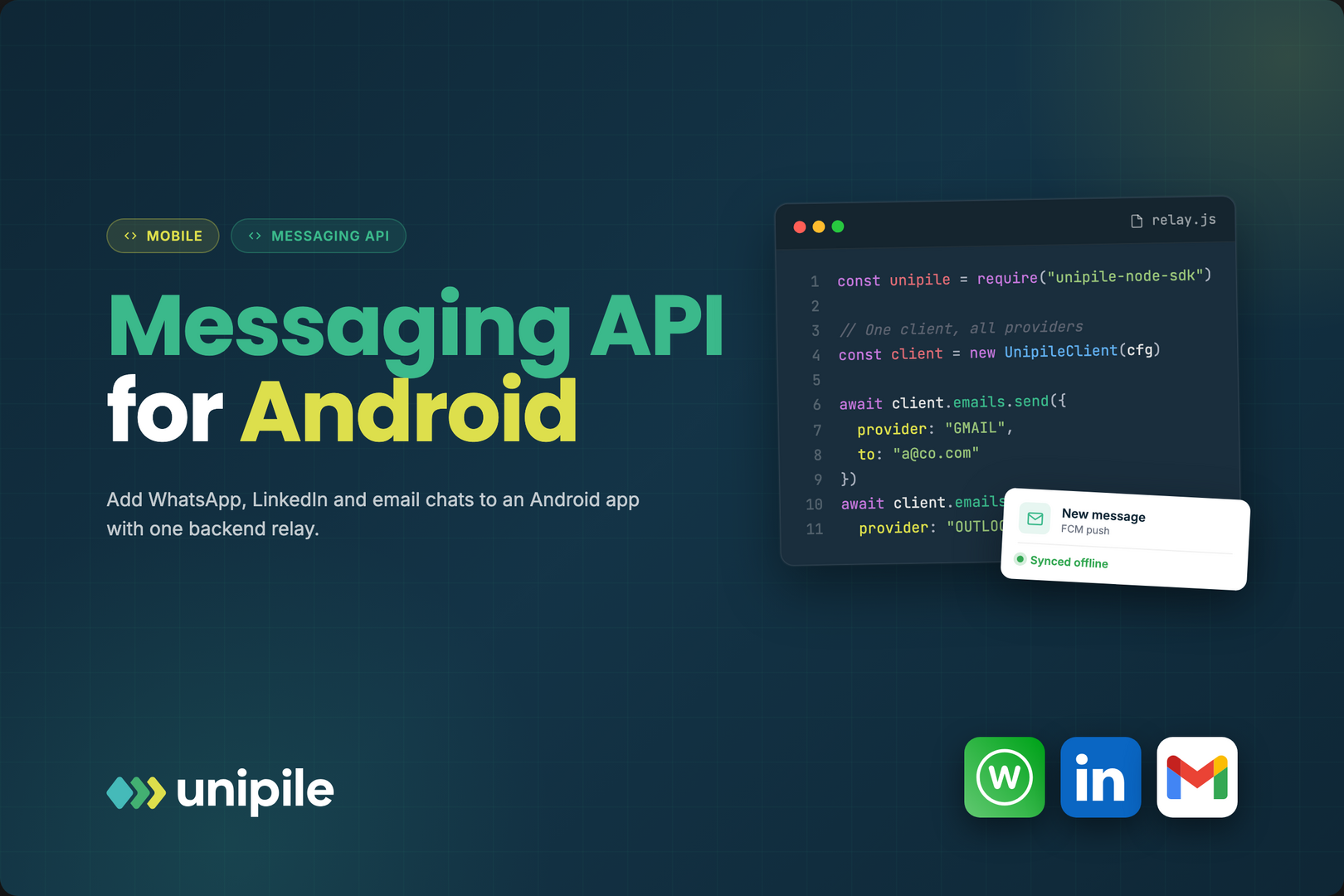
With Unipile, the same Hosted Auth flow covers WhatsApp, LinkedIn, Telegram and Instagram plus Gmail, Outlook and IMAP mailboxes. For LinkedIn in particular, the app should behave as an independent technical intermediary acting on behalf of the user: retrieve and display their own conversations, let them reply, and leave sending cadence and volume to them within LinkedIn’s own terms and limits. Unipile is not affiliated with, endorsed by, or sponsored by LinkedIn, WhatsApp or Meta, and your onboarding copy should be equally clear about what connecting an account means.
From webhook to notification with FCM
When a message arrives on any channel, the messaging API calls your webhook with the account, the chat and the message. Your relay should then do four things: verify the request, store the message, look up which of your users own that account, and send them a Firebase Cloud Messaging push.
Two FCM details matter on Android. First, prefer data messages over notification messages, so your app controls the rendering: grouping by conversation with MessagingStyle, showing the channel icon, adding a direct reply action. Second, keep the payload small. FCM caps data payloads at 4 KB, so send identifiers and a short preview rather than full message bodies or attachments, and let the app fetch the rest. Use high priority only for messages a user would genuinely want to see immediately, because Android may deprioritize apps that send high-priority pushes that never result in a visible notification.
On the device, the direct reply action should not call the network synchronously from the notification. Hand it to WorkManager, which survives process death and retries when connectivity returns.
Offline first, sync second
Users open messaging screens in elevators and on the metro, so the conversation list has to render from local storage. A pragmatic setup:
- Room holds chats, messages and a small outbox table, with the provider message ID as a unique key so a push and a later sync never create duplicates.
- On app start and on each push, a sync job asks your backend for messages newer than the latest cursor it stored, and the API’s cursor-based pagination maps naturally onto Paging 3 for long histories.
- Outgoing messages land in the outbox with a pending state, render immediately, and a WorkManager job sends them with a constraint on network availability. When the backend confirms, the row is updated with the real message ID.
- If an account becomes disconnected (a user removes the linked device in WhatsApp, or a mailbox password changes), your backend receives an account status event. Surface it as a reconnect banner rather than letting sends fail silently in the outbox.
Attachments without blowing up memory or data plans
Photos, voice notes and PDFs are where mobile messaging gets heavy. Never route large files through the push itself. Instead, list attachments as metadata (type, size, a thumbnail if available) and download the binary on demand through your backend, which fetches it from the messaging API and streams it back. Cache it on disk with a size cap, and respect metered connections by deferring auto-downloads of video when the user is not on Wi-Fi.
For uploads, compress images client side, upload to your backend with a resumable request, and let the server forward the file with the outgoing message. Voice notes deserve their own check: WhatsApp accepts specific audio formats, so record in, or convert to, a format the destination channel supports before sending.
What you actually end up maintaining
Done this way, your Android code contains one conversation model, one sync engine, one notification pipeline and one attachment cache, whatever the number of channels. The per-provider complexity (session handling, protocol changes, reconnections) stays behind the API, and your relay stays small enough for one engineer to own. Before committing, check the boring parts: the vendor’s security posture (Unipile, for instance, holds SOC 2 Type II and is GDPR compliant), pricing per connected account, and webhook reliability under load. If those hold up, adding the next channel becomes a configuration change and a new icon, not a new quarter of mobile work.
Editor’s Note: The opinions expressed here by the authors are their own, not those of impakter.com — Cover Photo Credit: Nothing Ahead.